Welcome To Central Board of Open Schooling and Examination
CBOSE in News

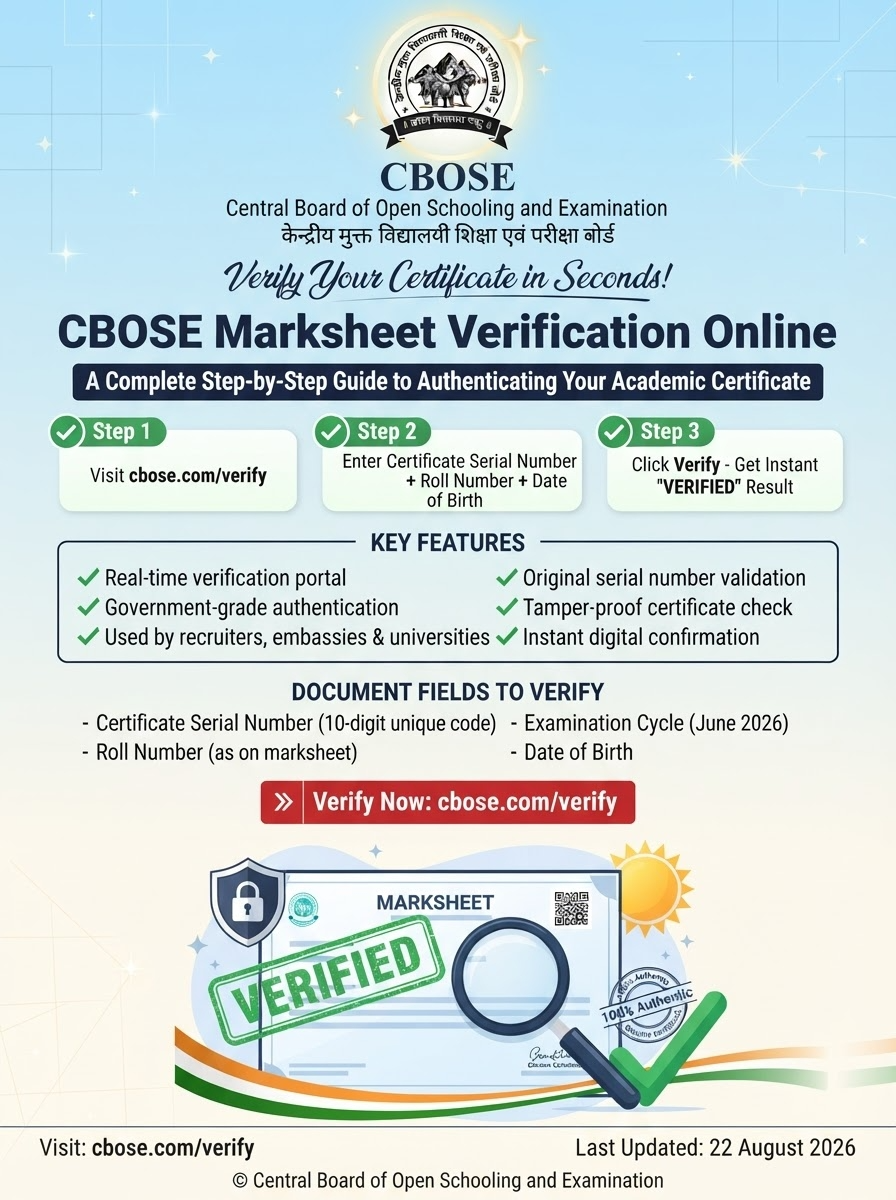
EDUCATION - MARKSHEET VERIFICATION - 2026
Central Board of Open Schooling and Examination
CBOSE Marksheet Verification Online
Step-by-Step Guide - How to Verify a Digital CBOSE Marksheet on cbose.com/student/login.php
How a candidate, an employer, a college admission office or a government department authenticates the dashboard-issued marksheet - in 6 fast steps + 20-question FAQ.
|
Audience Candidates & verifiers |
Subject Marksheet Verification |
Format Step-by-Step Guide |
Reading Time ~ 9 minutes |
|
06 |
05 |
20 |
04 |
|---|---|---|---|
|
Verification Steps |
Use Cases |
FAQ Entries |
Authentication Markers |
CBOSE issues a digital marksheet to every candidate who appears for the secondary (Class 10) or higher-secondary (Class 12) examination. The mark statement summarises subject-wise marks, total marks, division and the Board's own authentication mark. The marksheet is ordinarily used for:
Because a marksheet travels through so many hands - the candidate, the verifier, the recruiter, the admissions office - the question of HOW the marksheet is verified arises repeatedly. This article answers that question for the dashboard-issued digital marksheet specifically, which is the primary verification target in 2026.
The Board ordinarily makes available two flavours of marksheet:
|
DIGITAL MARKSHEET Issued inside the candidate dashboard at cbose.com/student/login.php. Always live, always logged-in-protected, always downloadable as PDF. |
|
HARD-COPY MARKSHEET Printed and dispatched (or collection-from-centre) for the candidate who wishes to retain a physical copy. The digital and hard-copy marksheets ordinarily carry the same content, the same authentication markers and the same subject-wise marks. |
Verification, in 2026, ordinarily means: (a) check the marks in the live dashboard; (b) cross-reference with the hard-copy (if the verifier has both); (c) confirm the four authentication markers listed below.
When verifying a CBOSE marksheet (digital or hard-copy), the verifier ordinarily checks four key markers. They cohere - if any one is missing, the marksheet is ordinarily treated as suspect.
|
# |
Marker |
Description |
|---|---|---|
|
01 |
|
|
|
|
Issuer name |
|
|
|
|
Top of the marksheet: 'Central Board of Open Schooling and Examination'. |
|
02 |
|
|
|
|
Candidate detail row |
|
|
|
|
Name, Father's / Guardian's name, Student Code, DOB - all match the candidate's identity records. |
|
03 |
|
|
|
|
Subject-wise marks column |
|
|
|
|
Theory marks, practical marks, total marks, division and result - matching the published academic result on the dashboard. |
|
04 |
|
|
|
|
Authentication code / seal |
|
|
|
|
A Board-issued authentication code or seal which may carry a QR / unique reference number, as per the Board's verification framework. |
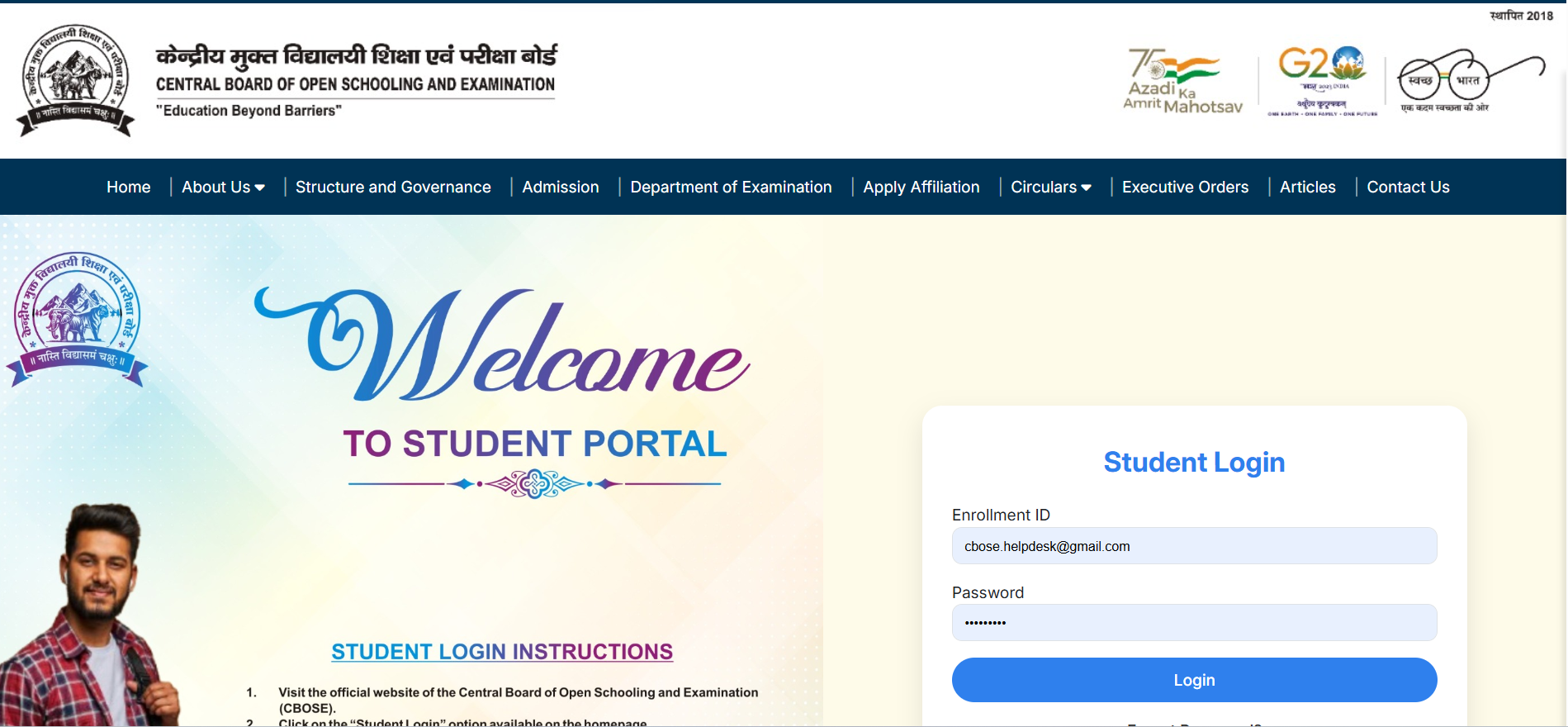
The fastest, most authoritative verification pathway is through the candidate's own dashboard at cbose.com/student/login.php. Six steps:
|
STEP 1 |
Open the official portal |
Type the URL https://cbose.com/student/login.php in the address bar - do not click on a forwarded link. |
|---|---|---|
|
STEP 2 |
Log in with credentials |
Enter Student Code + password (the default issued at the time of registration or reset through 'Forgot Password'). |
|
STEP 3 |
Open 'Academic Result' |
From the dashboard menu, click on 'Academic Result'. Pick the relevant examination year. |
|
STEP 4 |
View the live marksheet |
The marksheet loads directly inside the dashboard. All four authentication markers (above) are visible on screen. |
|
STEP 5 |
Download the PDF |
Within the same page, click 'Download Marksheet (PDF)' to save a copy. The PDF is the document of record for the candidate. |
|
STEP 6 |
Share with the verifier |
The verifier - employer / college - ordinarily needs the dashboard-loaded marksheet URL OR the PDF. The PDF can be emailed, but the live dashboard remains the source-of-truth. |
Recruiters, college admissions offices and government departments do not, ordinarily, need the candidate's password. The fastest path is:
|
READ-ONLY CHECK Verification ordinarily does NOT require sharing the candidate's password. The candidate can either download the PDF and share it, or share a screenshot of the live dashboard marksheet. NEVER share the password. |
Marksheet verification arises in five common flows:
|
# |
Use Case |
Verification focus |
|---|---|---|
|
01 |
|
|
|
|
College admission |
|
|
|
|
University admission office confirms Class 12 marksheet before enrolment. |
|
02 |
|
|
|
|
Government job recruitment |
|
|
|
|
Recruiting board / SSC / UPSC verifies Class 10 / 12 marksheet at document-check stage. |
|
03 |
|
|
|
|
Foreign university |
|
|
|
|
Admissions team demands the marksheet + authentication code; some embassies apostille a copy. |
|
04 |
|
|
|
|
Equivalency claim with another board |
|
|
|
|
State board / CBSE may use the marksheet when processing candidate's migration certificate. |
|
05 |
|
|
|
|
Personal record-keeping |
|
|
|
|
Candidate wants a downloadable copy for their own records / future applications. |
Verification ordinarily fails on one of three axes; the resolution pathway for each is below.
|
Failure axis |
Common cause |
Resolution |
|---|---|---|
|
Authentication marker |
|
|
|
|
QR / code / seal missing or not scannable. |
|
|
|
|
Escalate to the Board's helpdesk; they will cross-reference with the candidate's data and reissue if applicable. |
|
Subject-wise marks |
|
|
|
|
Marks differ between dashboard and PDF. |
|
|
|
|
The dashboard is the source of truth. The PDF is ordinarily auto-generated; if the marks differ, ask the Board to regenerate the PDF. |
|
Candidate detail |
|
|
|
|
Name spelling or DOB differs from the candidate's identity record (Aadhaar / passport). |
|
|
|
|
Candidate should request a 'Profile' correction from the dashboard, then re-download PDF / re-screenshot the live marksheet. |
E-01 Sharing the password with the verifier. Always share a PDF or screenshot - never the password.
E-02 Using a forwarded link. Always type cbose.com/student/login.php directly in the browser bar.
E-03 Checking the printed / hard-copy without the dashboard cross-reference. Hard copy may be older / outdated. Cross-reference with the dashboard before concluding.
E-04 Treating 'marks differ by 1-2' as fraud. Small differences can arise from re-totalling. Recompute from subject-wise marks shown on the dashboard.
E-05 Looking for a 'website URL printed on the marksheet'. The marksheet ordinarily carries the dashboard URL cbose.com/student/login.php, NOT the verification URL. The verification is on the dashboard, not on a third-party site.
E-06 Forgetting to log out. After verification, log out from the dashboard, particularly on a shared device.
E-07 Treating the marksheet as a single document. The live dashboard + PDF ordinarily together make the record; both are useful in different flows.
|
Question |
Answer |
|---|---|
|
Q. How do I verify my CBOSE marksheet online? |
A. Log in at cbose.com/student/login.php -> Academic Result -> pick the year -> view / download the marksheet PDF. |
|
Q. Where is the official verification portal? |
A. https://cbose.com is the home; the candidate login page is https://cbose.com/student/login.php. |
|
Q. Is the digital marksheet on the dashboard real? |
A. The Board treats the dashboard-issued digital marksheet as the authentic document for admission, employment and verification. |
|
Q. How do I download the marksheet PDF? |
A. Inside the dashboard at cbose.com/student/login.php, open Academic Result, pick the year, and click 'Download Marksheet (PDF)'. |
|
Q. Do I need a password to view the marksheet? |
A. Yes - the dashboard is password-protected. Default at the time of registration; reset through 'Forgot Password'. |
|
Q. What is the default CBOSE password? |
A. Originally registered passwords are ordinarily issued by the Board at the time of registration; the value 'passw0rd321' has appeared historically in some Board's published guidance. Reset it as soon as you log in. |
|
Q. What if I forgot my CBOSE password? |
A. Use 'Forgot Password' link on the login page; reset via OTP to registered mobile / email. |
|
Q. How many times can I download the marksheet? |
A. Ordinarily, there is no cap on the number of downloads - each download generates a fresh PDF with the live marks embedded. |
|
Q. Will the marksheet contain my photograph? |
A. The marksheet ordinarily carries the candidate's photograph alongside name and detail row. |
|
Q. Does the marksheet contain a QR code? |
A. In the dashboard-issued PDF, ordinarily there is an authentication code / seal of the Board; the exact format varies by year / stream. |
|
Q. Is the hard-copy marksheet different from the digital one? |
A. In content - ordinarily the same. Hard-copies are ordinarily dispatched once per cycle, while the dashboard stays live. |
|
Q. Can a third-party verify without my password? |
A. Yes - share the PDF or the live-dashboard screenshot. NEVER share the password. |
|
Q. Are CBOSE marksheets accepted for government jobs? |
A. The marksheet is ordinarily accepted by employers as per the prevailing recruitment rules - consult the specific recruitment notification for qualifying examination norms. |
|
Q. Are CBOSE marksheets accepted for foreign universities? |
A. Foreign universities ordinarily accept CBOSE marksheets after standard equivalent-evaluation. Some embassies apostille a copy; check the specific country's requirement. |
|
Q. How do I escalate a verification problem? |
A. Use the helpline or e-mail on cbose.com, or the candidate help-desk inside the dashboard. |
|
Q. Can I get a re-printed hard-copy marksheet? |
A. Ordinarily yes - request via the dashboard / centre / Board office. A small fee may apply. |
|
Q. What if my marks differ from the school's record? |
A. The dashboard is the source of truth. The school's record is ordinarily the basis the Board verified; reconcile through the address-proof and marks-check. |
|
Q. Is there a fee for verification? |
A. Verification through the dashboard by a third party is ordinarily free. A formal verification by the Board (with letter) may carry a small fee. |
|
Q. Will the marksheet show my Class 10 as well as my Class 12? |
A. The dashboard ordinarily aggregates results across years; the 'Academic Transcript' tab shows the multi-year view. |
|
Q. How is the marksheet authenticated offline (by post)? |
A. Online verification is the fastest path; offline post-based verification ordinarily exists for institutional verifiers and embassies. |
>> CBOSE marksheet verification is fastest through the candidate's live dashboard at cbose.com/student/login.php.
>> Four authentication markers - issuer name, candidate details, subject-wise marks, authentication code.
>> Two flavours: digital (live dashboard) + hard-copy (printed). Both ordinarily carry the same content.
>> Third parties (recruiters / colleges) do not need the candidate's password - share a PDF or screenshot.
>> Verification failures (marker / marks / detail) are ordinarily resolved through the dashboard or the Board's helpdesk.